

The VeraMargin panel, right on the Amazon page
Install it from the Chrome Web Store and see ROI, net profit, commission and FBA costs on every Amazon product page.
Installs from the Chrome Web Store in Chrome, Edge, Brave and Opera on a computer. It cannot be installed on a phone.
Try the free profit calculator — nothing to install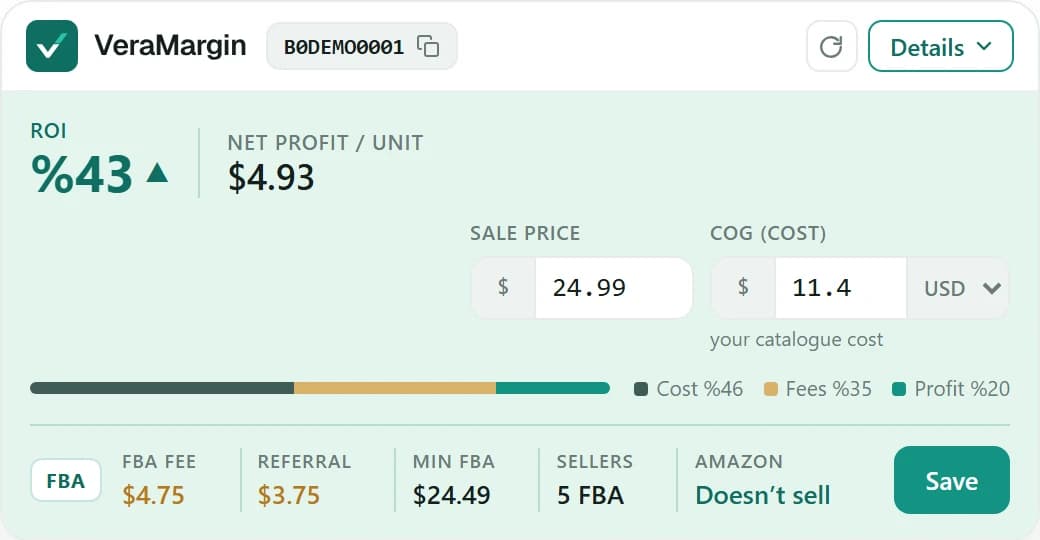
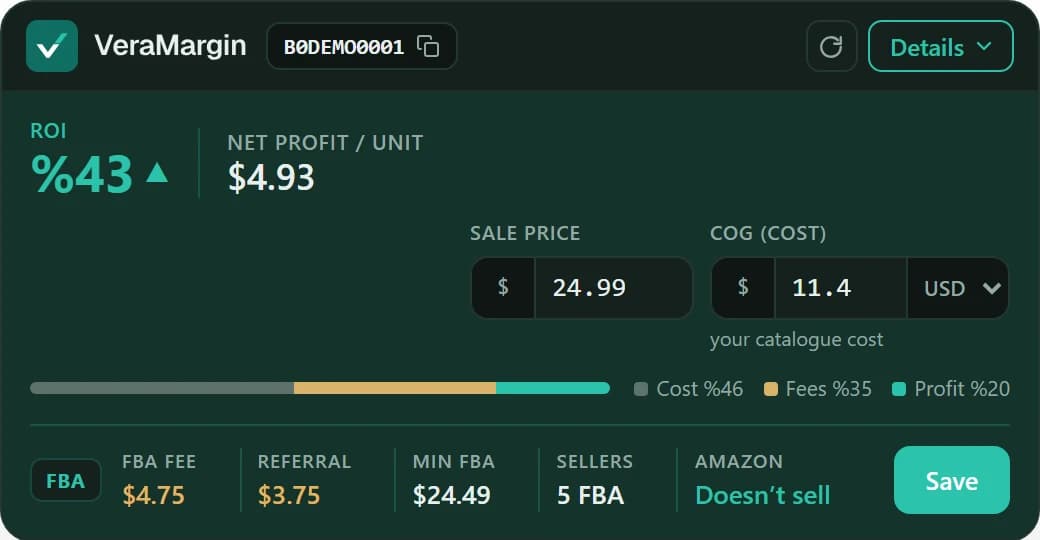
Everything at your fingertips, without leaving the Amazon page
The VeraMargin extension sits on the product page, pulling cost, FX, commission, and competition into one panel to compute real profit without leaving the page.
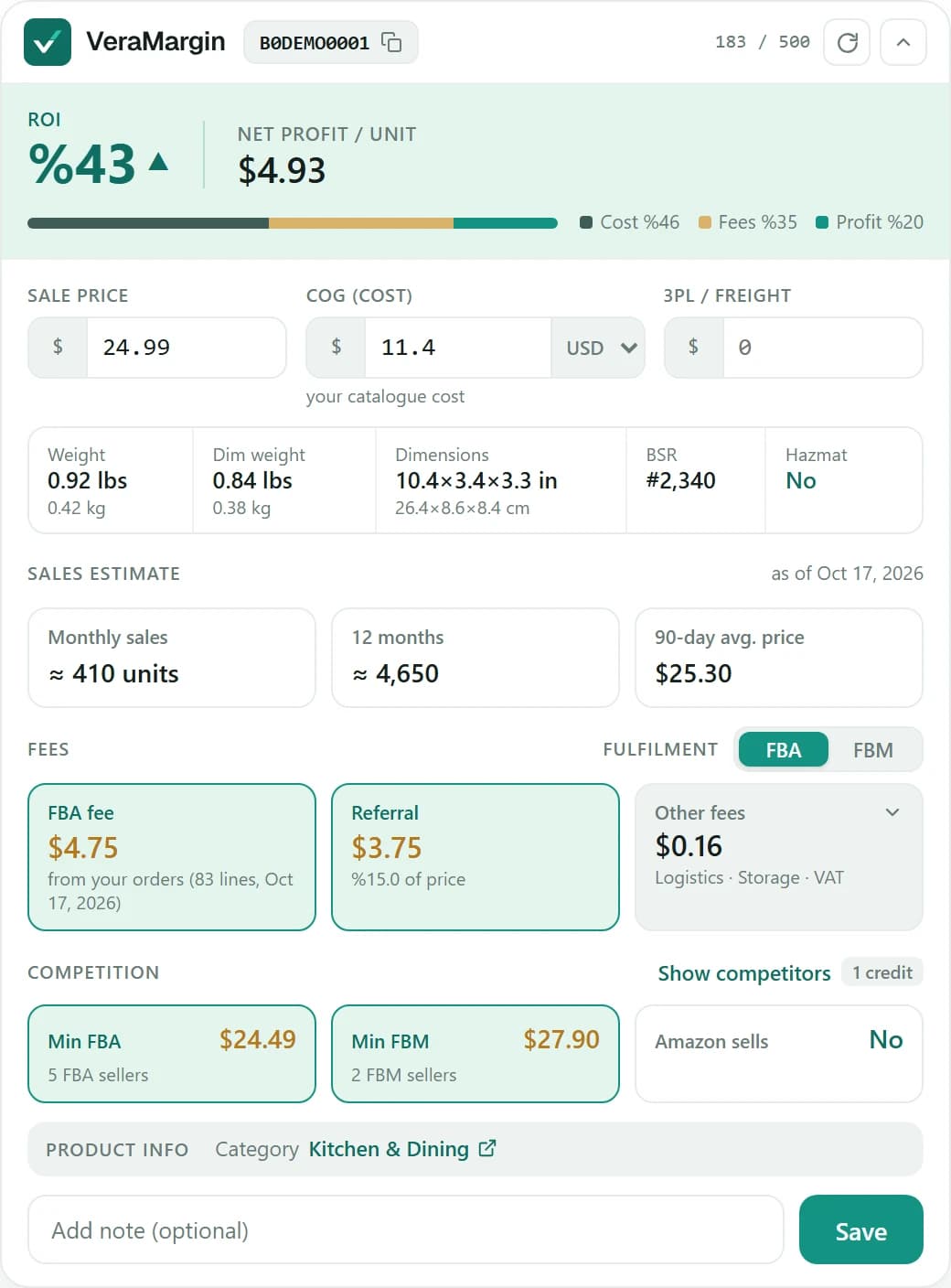
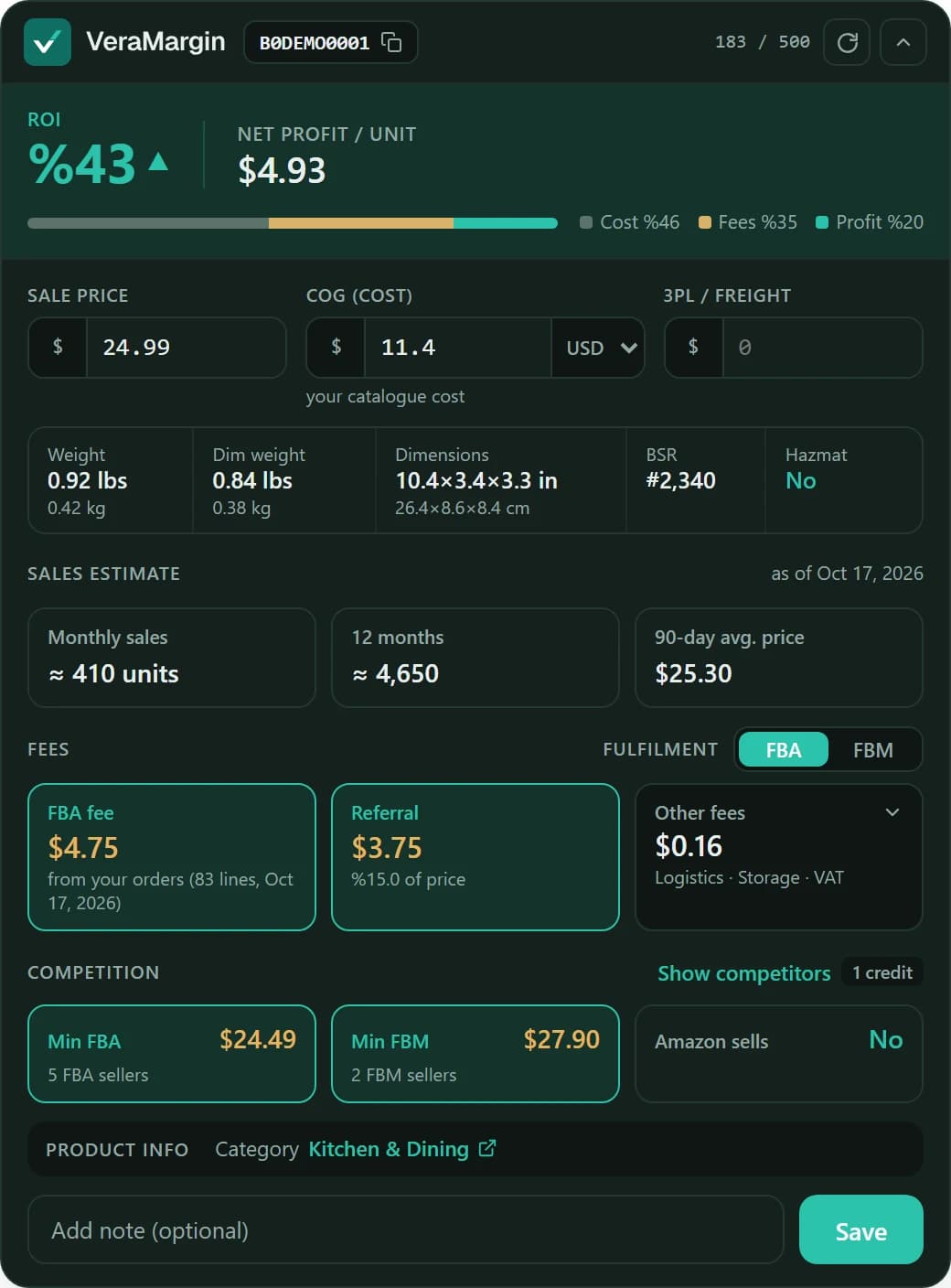
Cost from the source
Automatically pulls the overseas (e.g. Amazon US) Buy Box price into cost of goods. See your arbitrage profit at a glance, no manual math.
Automatic FX conversion
Converts cost into the target marketplace currency at the daily ECB exchange rate. No manual conversion across USD, GBP, CAD, AUD, AED.
ROI & net profit on the page
Deducts every line — sale price, commission, FBA, shipping and VAT — to show real net profit and ROI per product, right on the page.
FBA, weight & size
Automatically fetches the real FBA fee, referral commission and package weight/size — dimensional weight included.
Competitor & offer view
See the seller list, the lowest FBA/FBM price, the number of sellers, and whether Amazon itself is selling — all in one panel.
Save & take notes
Save a product to your list in one click and add notes; the cost and margin you entered are stored alongside it.
No key
The extension connects automatically the moment you sign in to the site. No need to copy an API key.
Updating
Installed from the Chrome Web Store, the extension updates itself. A copy installed earlier from a .zip never updates: remove it on your browser’s extensions page and add VeraMargin from the Chrome Web Store.
Quick access
Pin VeraMargin from the puzzle icon in the browser toolbar to quickly open connection status and settings.
Having trouble? Sign in to your account and get in touch with support.