

Amazon FBA profit calculator
Type the sale price, your cost and Amazon’s fees to see a product’s net profit, margin and ROI per unit, its break-even price and the most you can pay for it. Nothing you type is sent anywhere.
Net profit · Per unit
Enter the sale price, your cost, the referral fee and the FBA fee to see the result.
- Margin
- —
- ROI
- —
- Break-even price
- —
- The lowest price that covers every cost.
- Max cost
- —
- The most you can pay per unit and still break even.
Break-even price and max cost are at current fee rates: the referral fee moves with the price at its rate, and the FBA fee stays as typed.
An estimate from the figures you typed. Monthly storage and returns are not in it; add them to other costs to count them.
Let the extension fill in the fees
On an Amazon product page the extension works out the same figures with the fees filled in — from your own orders, or Amazon’s own fee estimate. Once you sell, the app tracks what each order really made.
Amazon US, UK, Canada, Australia and the UAE · Chrome, Edge, Brave and Opera on a computer
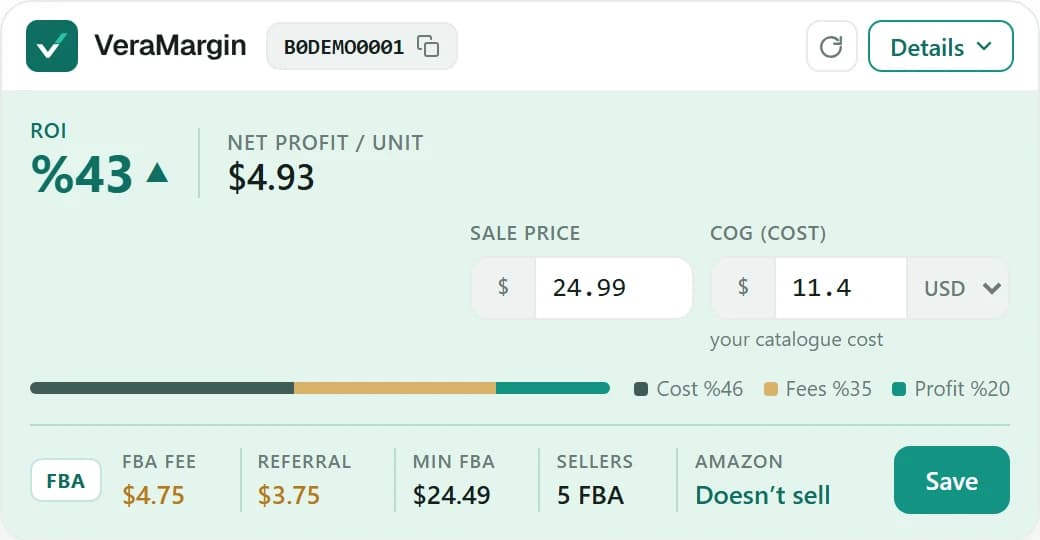
Installing is free, and the extension connects when you sign in to your VeraMargin account. Each product analysis uses one research credit, and the same product again within 24 hours is free; the free plan includes 30 analyses a month once a store is connected, and 5 credits in all before that.
From the sale price to what you keep
The calculator above, the extension and Product analysis run the same calculation; the extension and Product analysis fill in the fees for you.
Sale price
The product’s current price, or one you type to test.
Referral fee
Amazon’s commission at that price.
FBA fee
From your own settled orders for a product you already sell, otherwise Amazon’s own fee estimate. When Amazon gives none, it shows as unknown — never as zero.
Other costs
Storage, VAT or GST where the marketplace and your seller profile call for it, and your freight, prep and 3PL costs.
Your cost
What you pay per sellable unit; a cost in another currency is converted at today’s ECB rate.
Net profit, ROI and margin
ROI is net profit over what you put into a unit — cost, freight and duty; margin is net profit over the price.
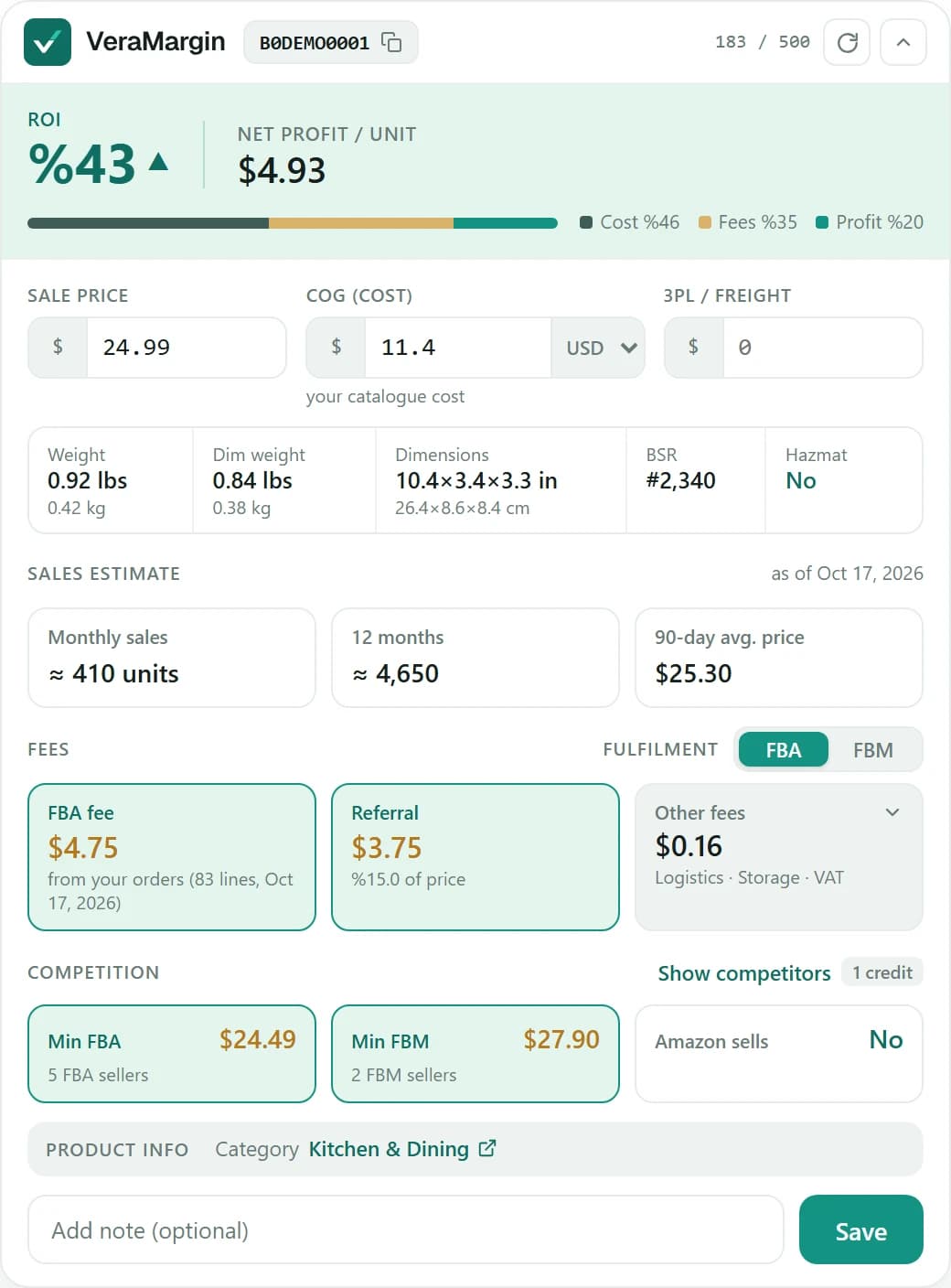
Two sizes, on the product page
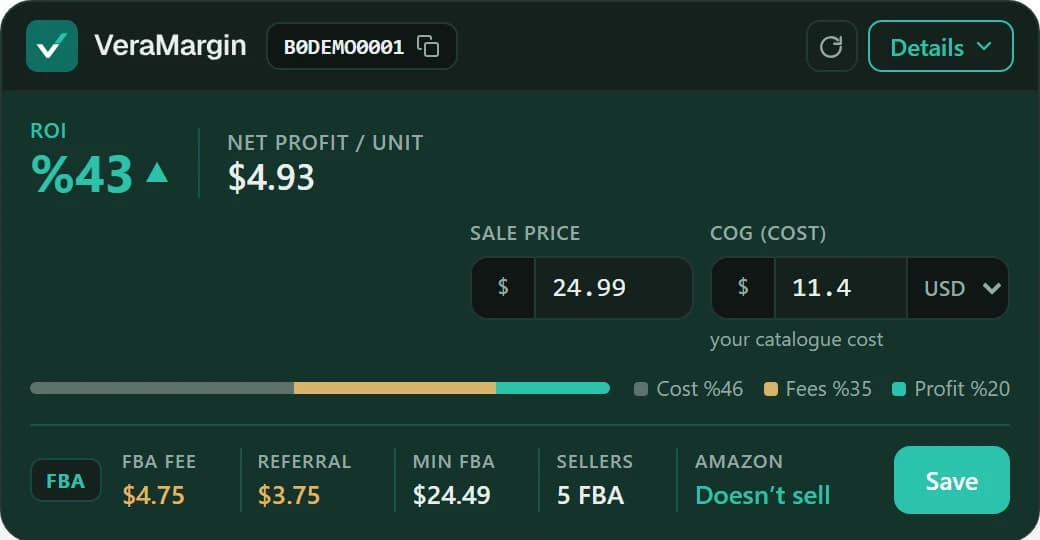
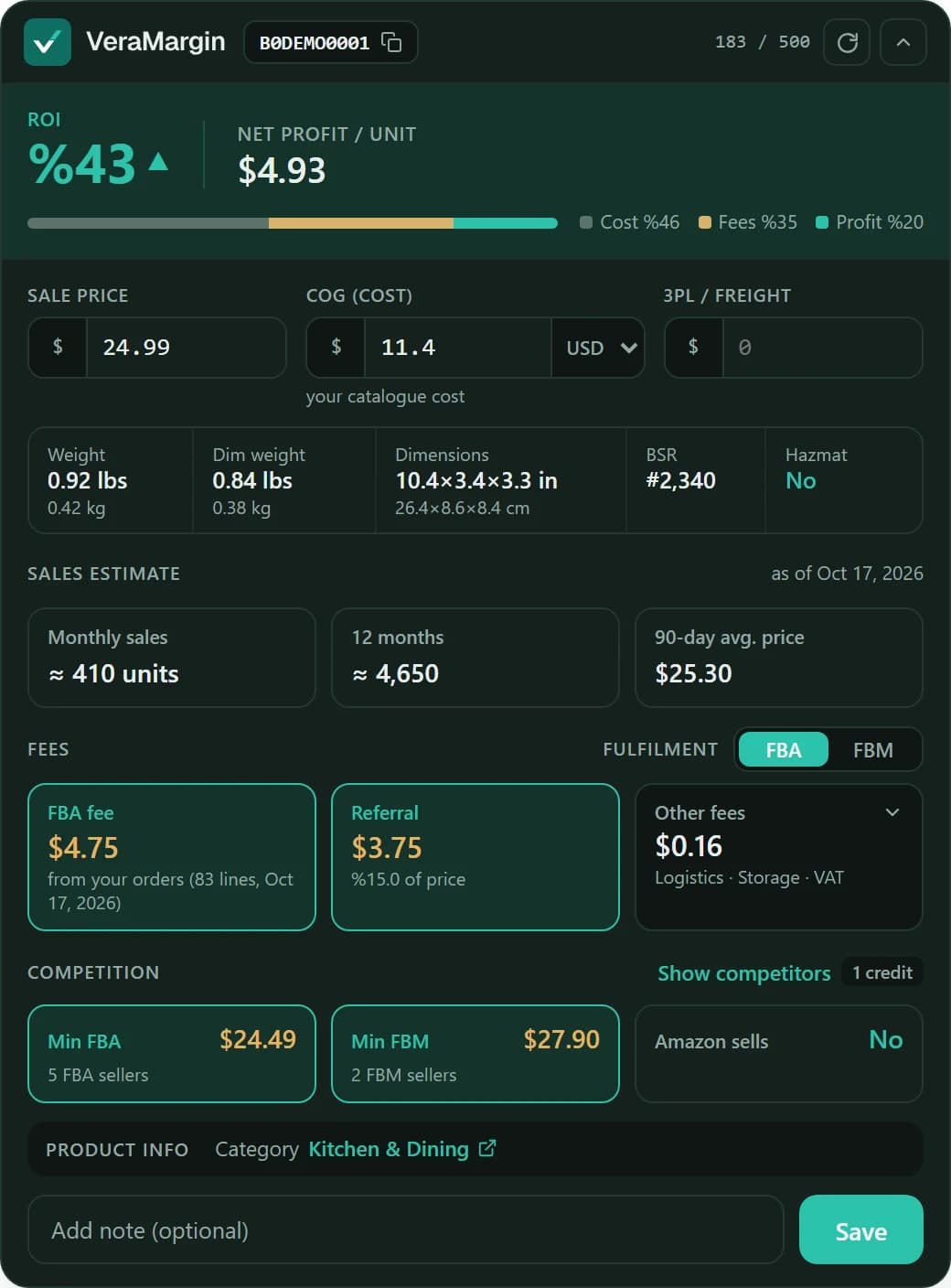
The compact card shows ROI, net profit, price and cost, the FBA fee, the referral fee, the lowest FBA price with its number of sellers, and whether Amazon sells. The full card adds weight, size, every fee and the competition. Save a product with its cost to your list.
A sales estimate is one more credit, fetched only when you ask for it.
Add to Chrome(opens in a new tab)Many products at once: Product analysis
In the app, paste up to 50 ASINs, each with your cost if you have it, or upload a sourcing list. Set a minimum ROI or profit and see each product’s net profit, ROI, fees, break-even price and the most you can pay to reach your target — then export it as CSV.
- Up to 50 ASINs a run, pasted or uploaded as CSV or TXT
- Minimum ROI and profit filters
- Break-even price and the highest cost that still meets your target
- A product analysed in the last 24 hours is free again
Where it works
- Amazon US
- Amazon UK
- Amazon Canada
- Amazon Australia
- Amazon UAE
The profit calculator covers Amazon US, UK, Canada, Australia and the UAE, each in its own currency. Tracking the profit of your own orders works on every Amazon marketplace VeraMargin supports, Europe included.
When it sells, see what it really made
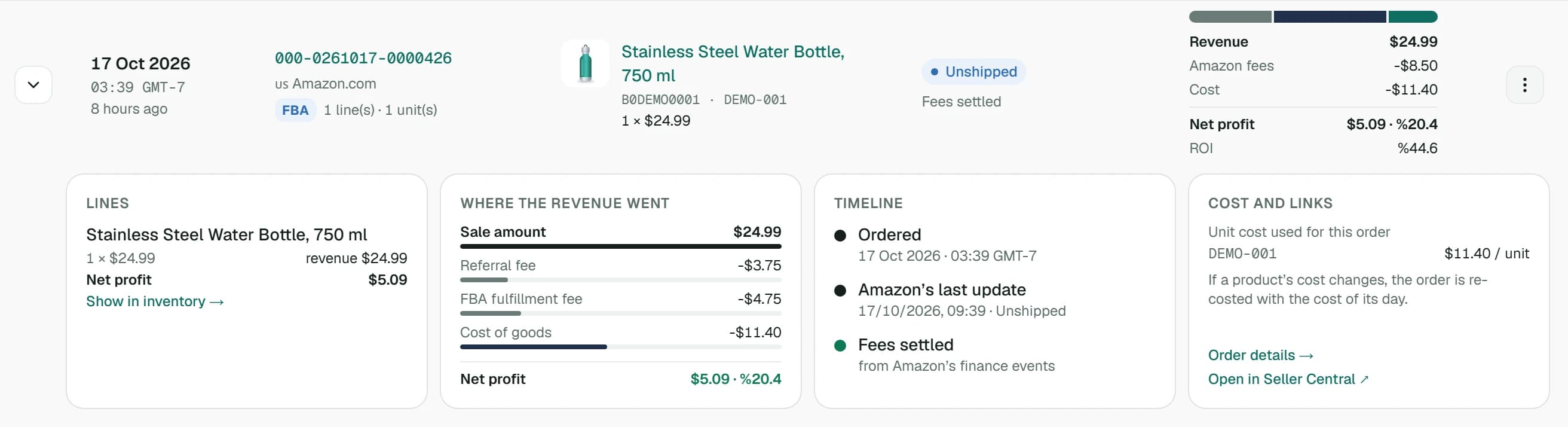
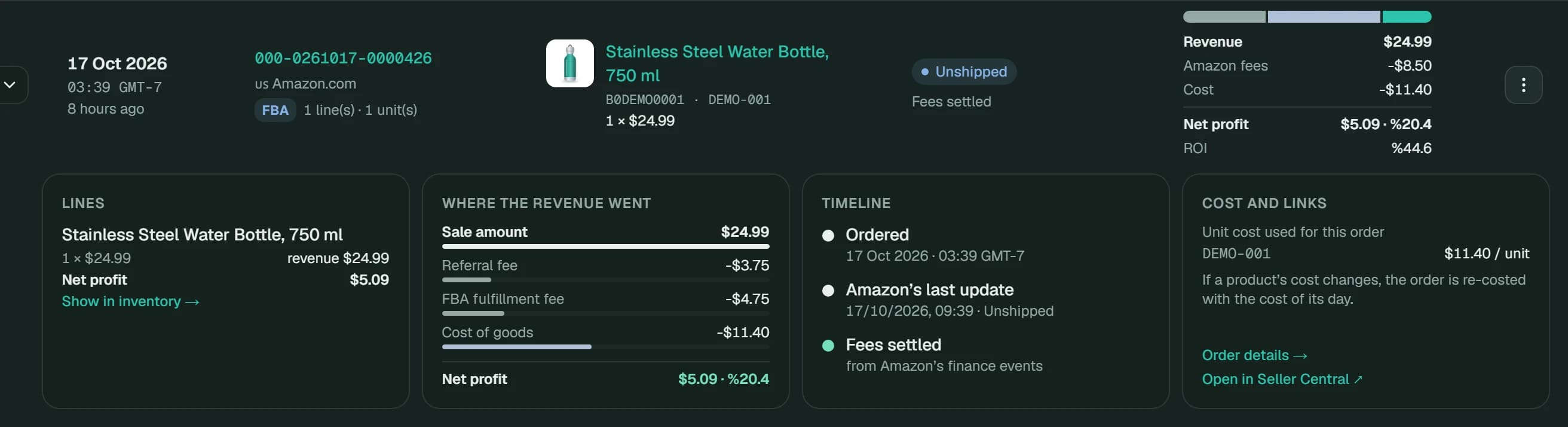
Connect your store and every order shows where its money went: the commission and FBA fee from Amazon’s records, refunds on the day Amazon releases them, and each unit at its own cost.
Check your next product before you buy it
Add the extension, create a free account and open any product on Amazon.